
Serving South Texas since 2002
TeamViewer QuickSupport

Secure help. Right in front of you.

Open Archer QuickSupport, share the temporary Customer ID and password with your authorized technician, and stay in control of the session.
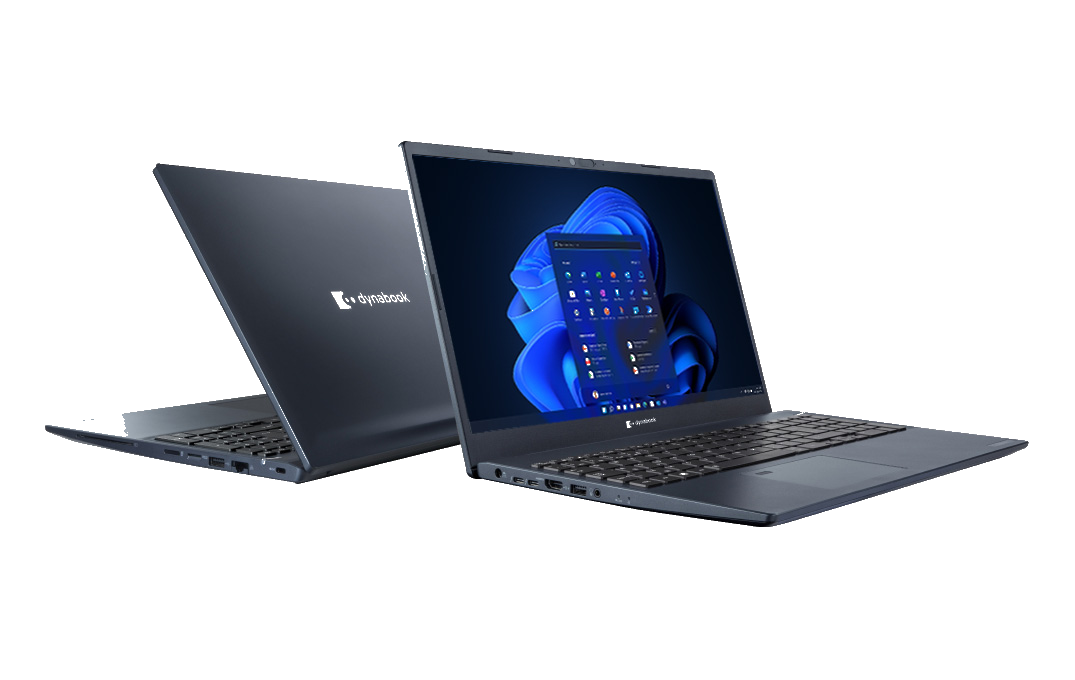
Dynabook business laptop for remote technical support
Archer Business SystemsSecure remote assistance

Let’s get you connected.

Archer QuickSupport lets an authorized technician assist you without installing the full TeamViewer application.

● SECUREAccess begins only after you provide the temporary credentials shown on your screen.

Three simple steps

01
Download QuickSupport

Get Archer’s lightweight support application.

02
Open TeamViewerQS.exe

No full installation is required.

03
Share the temporary credentials

Give your Archer technician the Customer ID and password displayed.

Download Archer QuickSupport ↓Need help? Call 956.440.9800