Official Sharp downloads
Drivers and manuals from the official source.
Access official Sharp printer drivers, software and product manuals, plus local installation assistance from Archer.
Archer Business Systems
Use the exact model number
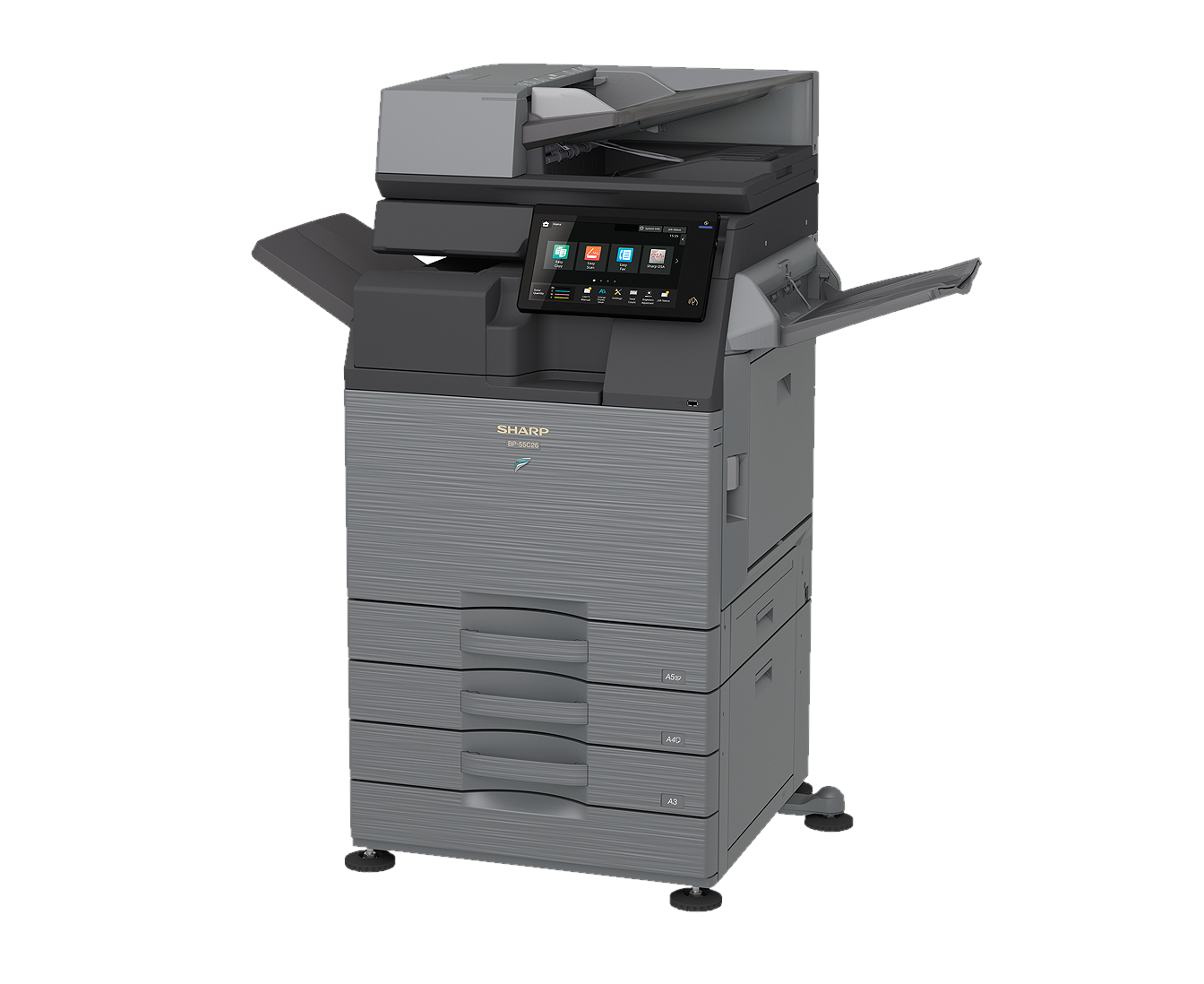
Sharp’s official download center provides current drivers, utilities and manuals. Locate the full model number on the front of the device or its identification label before searching.
If you are unsure which driver or configuration to use, contact Archer support before making changes to a shared office device.
What you can expect
- Windows and macOS print drivers
- Product manuals and reference guides
- Official Sharp utilities
- Local network-installation assistance
Sharp USA
Official download center
Search by model for current Sharp drivers, software and manuals.
Open Sharp downloads ↗Installation help
Shared office devices may require network settings, accounting codes or finishing configuration. Archer can help you avoid an incomplete installation.
Request assistance →