
Serving South Texas since 2002
KIP wide-format catalog

Technical printing built around precision and production.

Browse KIP color and black-and-white wide-format systems, scanners and professional folding solutions available through Archer Business Systems.

KIP 700 C Series color wide-format system
KIP product guide

Explore by output, workflow and configuration.

Compare KIP color and monochrome production systems, large-format scanners and finishing solutions. Archer will confirm current availability and match the system to your drawings, media and monthly square footage.

12 systemsSpecifications and availability are confirmed during consultation.
KIP 700 C Series wide-format equipment
COLORPRINT SYSTEM

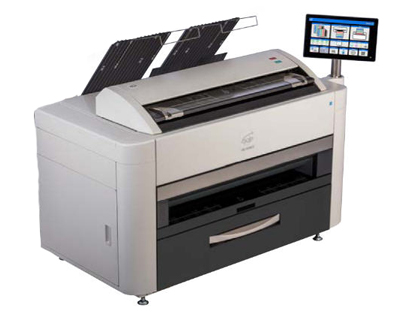
KIP 700 C Series

Versatile color wide-format family for precise technical printing, copying and scanning.
Performance
Up to 12 B&W / 10 color per min
Configuration
Up to 36 inches
Request information →
KIP 970 C wide-format equipment
COLORPRODUCTION

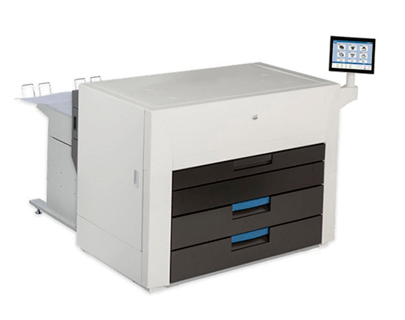
KIP 970 C

High-demand network color production system with substantial media capacity.
Performance
5,760 sq. ft./hr color
Configuration
4 media rolls
Request information →
KIP 980 C wide-format equipment
COLORPRODUCTION

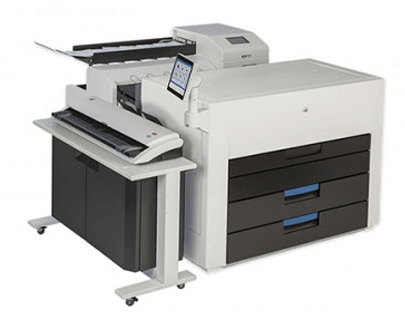
KIP 980 C

Color production multifunction system paired with the KIP 720 CIS scanner.
Performance
5,760 sq. ft./hr color
Configuration
4 media rolls
Request information →
KIP 990 C wide-format equipment
COLORPRODUCTION

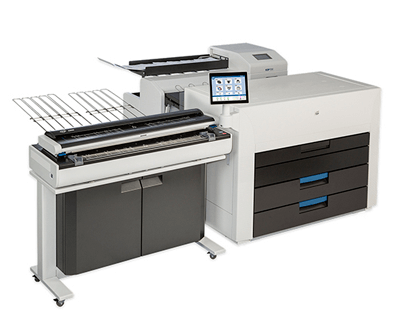
KIP 990 C

Color production multifunction system with the KIP 2300 CCD scanner.
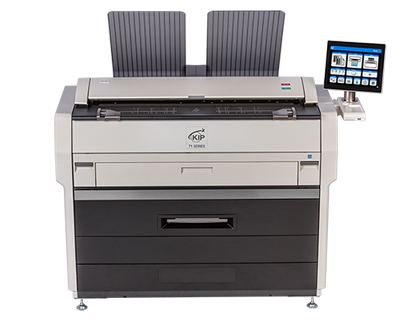
Performance
5,760 sq. ft./hr color
Configuration
4 media rolls
Request information →
KIP 71 G Series wide-format equipment
BLACK & WHITEPRINT SYSTEM

KIP 71 G Series

Workgroup black-and-white systems for technical printing professionals.
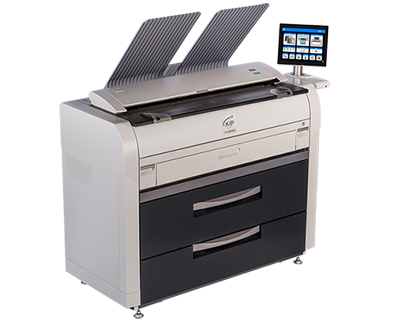
Performance
4 or 6 D-size prints/min
Configuration
1 or 2 media rolls
Request information →
KIP 75 G Series wide-format equipment
BLACK & WHITEPRINT SYSTEM

KIP 75 G Series

Versatile monochrome production family for faster technical document workflows.
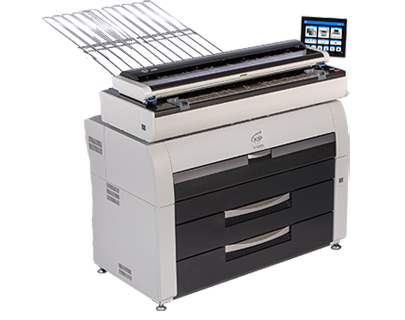
Performance
8 or 10 D-size prints/min
Configuration
2 or 4 media rolls
Request information →
KIP 79 G Series wide-format equipment
BLACK & WHITEPRODUCTION

KIP 79 G Series

Production-class monochrome platform delivering up to 840 D-size prints per hour.
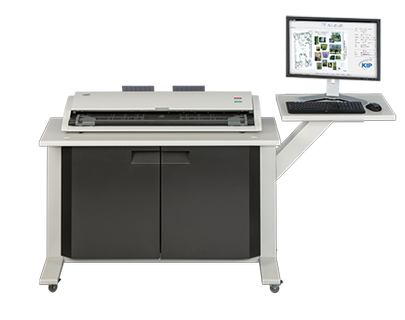
Performance
14 D-size prints/min
Configuration
4 media rolls
Request information →
KIP 720 Scanner wide-format equipment
SCANNERSCANNING

KIP 720 Scanner

CIS color and monochrome scanner for accurate large-format capture and copying.
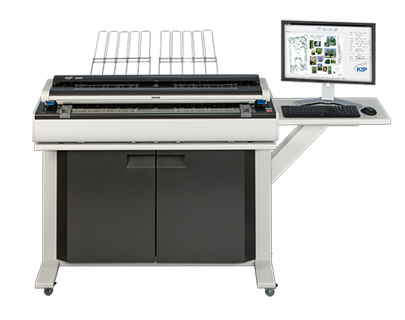
Performance
12 B&W / 10 color per min
Configuration
36-inch capture area
Request information →
KIP 2300 Scanner wide-format equipment
SCANNERSCANNING

KIP 2300 Scanner

High-production CCD scan system for demanding technical document environments.
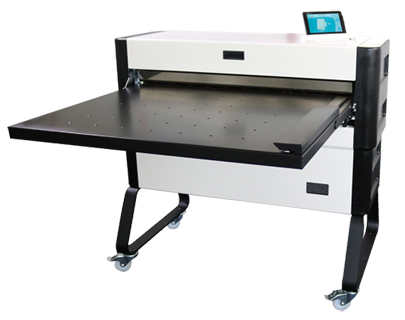
Performance
12 ips B&W / 6 ips color
Configuration
Originals up to 42 inches
Request information →
KIPFold 1600 wide-format equipment
FINISHINGFINISHING SYSTEM

KIPFold 1600

Compact offline fan-fold and cross-fold system for smaller workgroup spaces.
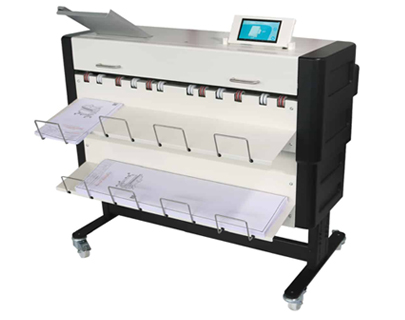
Performance
Offline folding
Configuration
11–36 inch media
Request information →
KIPFold 1700 wide-format equipment
FINISHINGFINISHING SYSTEM

KIPFold 1700

Integrated document folding and stacking for professional technical sets.
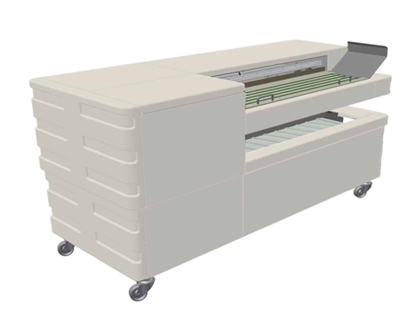
Performance
Online fan folding
Configuration
11–36 inch media
Request information →
KIPFold 1800 wide-format equipment
FINISHINGFINISHING SYSTEM

KIPFold 1800

Production folding system with automated presets and bidirectional communication.

Performance
High-speed automatic folding
Configuration
11–36 inch media
Request information →
Need help selecting a KIP system?

We will size it around your technical workflow.

Tell us your drawing sizes, color requirements, monthly square footage, scanning needs and finishing preferences. Archer will narrow the options to a practical configuration.

Request a recommendation ↗Visit the official KIP website ↗

Ready for a workplace technology plan built around your business?

Start a conversation ↗
Archer Business SystemsSecure remote assistance

Let’s get you connected.

Archer QuickSupport lets an authorized technician assist you without installing the full TeamViewer application.

● SECUREAccess begins only after you provide the temporary credentials shown on your screen.

Three simple steps

01
Download QuickSupport

Get Archer’s lightweight support application.

02
Open TeamViewerQS.exe

No full installation is required.

03
Share the temporary credentials

Give your Archer technician the Customer ID and password displayed.

Download Archer QuickSupport ↓Need help? Call 956.440.9800